Demo Controls: A Practical Reading Guide
Why controls are worth learning first
Slot interfaces pack a lot into a small space. Most of the confusion newcomers feel in a demo comes not from the game's rules but from not knowing which display shows what. Spending two minutes learning the controls makes every later session easier to follow. This guide describes the controls and displays you are likely to meet and how to read each one. Layouts vary between studios, so we describe what each control does rather than where it sits.
It is part of our free-play section, alongside our guide to what a free-play mode can and cannot show.
The core controls
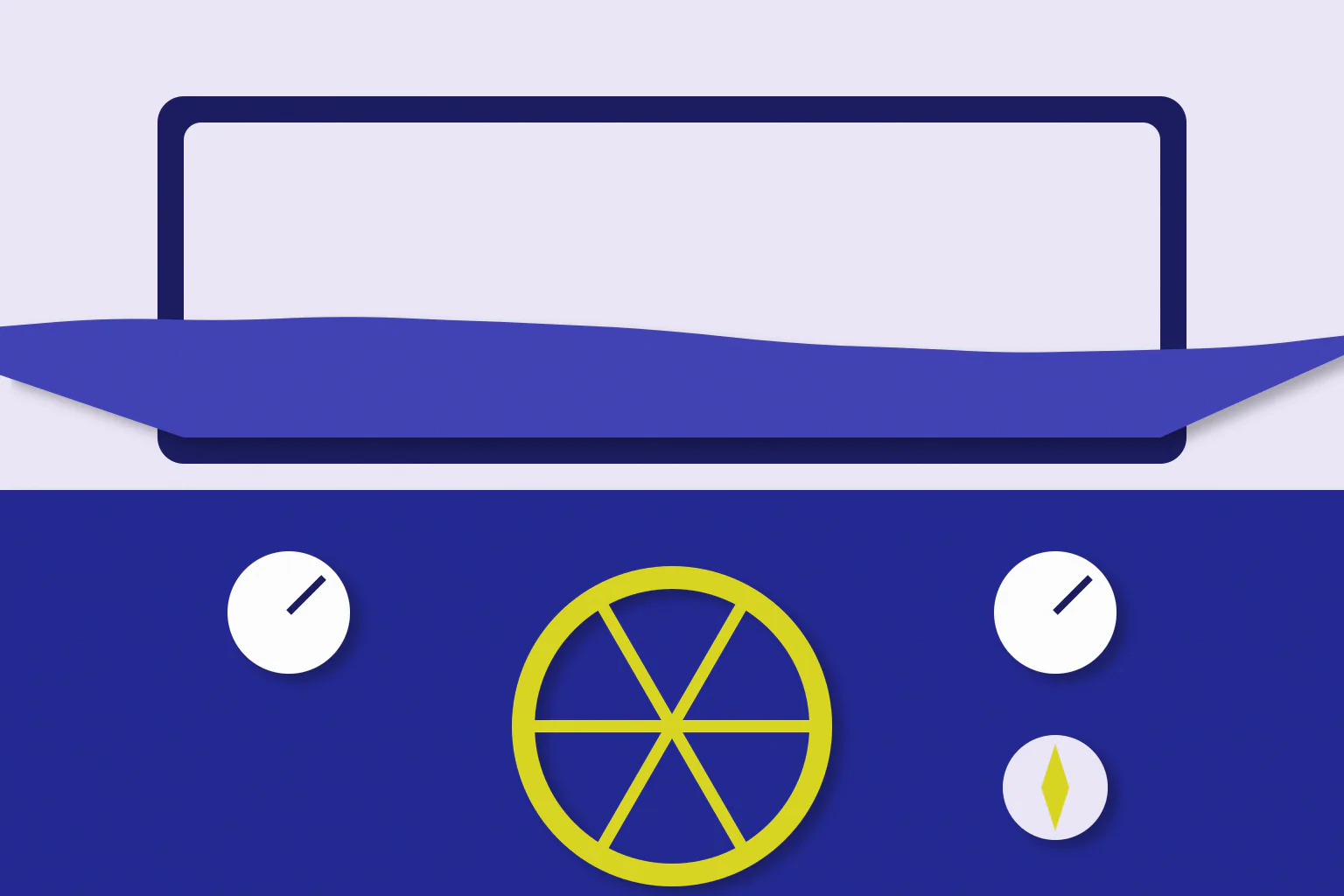
Stake selector. Sets how much each spin costs. It may appear as plus and minus buttons, a slider or a menu. In a demo the stake uses virtual credit, but setting it deliberately is a good habit.
Spin button. Starts a spin. While learning, press it yourself for each spin rather than letting spins run together, so each result stays visible.
Information or paytable button. Opens the rules. This is the most important control in the game, because it explains symbol values, how wins are counted and how the feature works.
Sound and settings. Let you adjust audio and display options. Turning the sound down can make a long reading session more comfortable.
The core displays
Balance. Shows the virtual credit available. It falls by the stake on each paid spin and rises when a win is added.
Win display. Shows the amount won on the last spin or round. In games with cascades or features, it may update several times before settling.
Feature counters. During a bonus, counters often show remaining free spins, a current multiplier or progress towards a retrigger. These are the displays newcomers most often misread.
Messages and animations. Celebrations and banners draw attention to events. Read the numbers in the displays, not the size of the animation, to understand what actually happened.
A reading routine for each spin
A simple routine keeps a session readable:
| Moment | What to read |
|---|---|
| Before the spin | Stake and balance |
| As the spin settles | Which symbols formed a win, if any |
| After the spin | Win display, then the new balance |
| During a feature | Spins remaining, multiplier and retrigger progress |
| After a feature | Total feature win, then compare with the rules |
Following the same order every time turns a busy screen into a short checklist.
A practical example
Imagine a feature starts with ten free spins and a counter showing progress towards a retrigger. On each spin, read the spins-remaining display first, then check whether the progress counter moved, then read the win display. If the counter fills and the spins remaining jump up, a retrigger has happened, and any multiplier display should change at the same time. Our Big Bass Bonanza bonus-round explainer describes a real feature that uses this kind of counter, using the studio's own rules.
Small screens
On a phone, controls are often moved into menus or arranged differently in portrait and landscape orientation. The same controls exist, but finding them can take longer. Our guides to reading slot controls on a small screen and portrait and landscape slot interfaces cover those differences.
Summary
Learn the stake selector, spin button and information screen first, then read the balance, win display and feature counters in the same order on every spin. That routine makes any demo easier to follow and keeps the focus on understanding the rules. Controls never change the odds; they only make the game easier to read.
More in Free Play · Report a correction
Related reading
What a Free-Play Mode Can and Cannot Show
Free-play demos are the safest way to learn a slot's rules, but they have limits. This guide explains what a demo reliably shows, what it cannot tell you, and how to use one sensibly.