Portrait and Landscape Slot Interfaces Compared
Why orientation matters
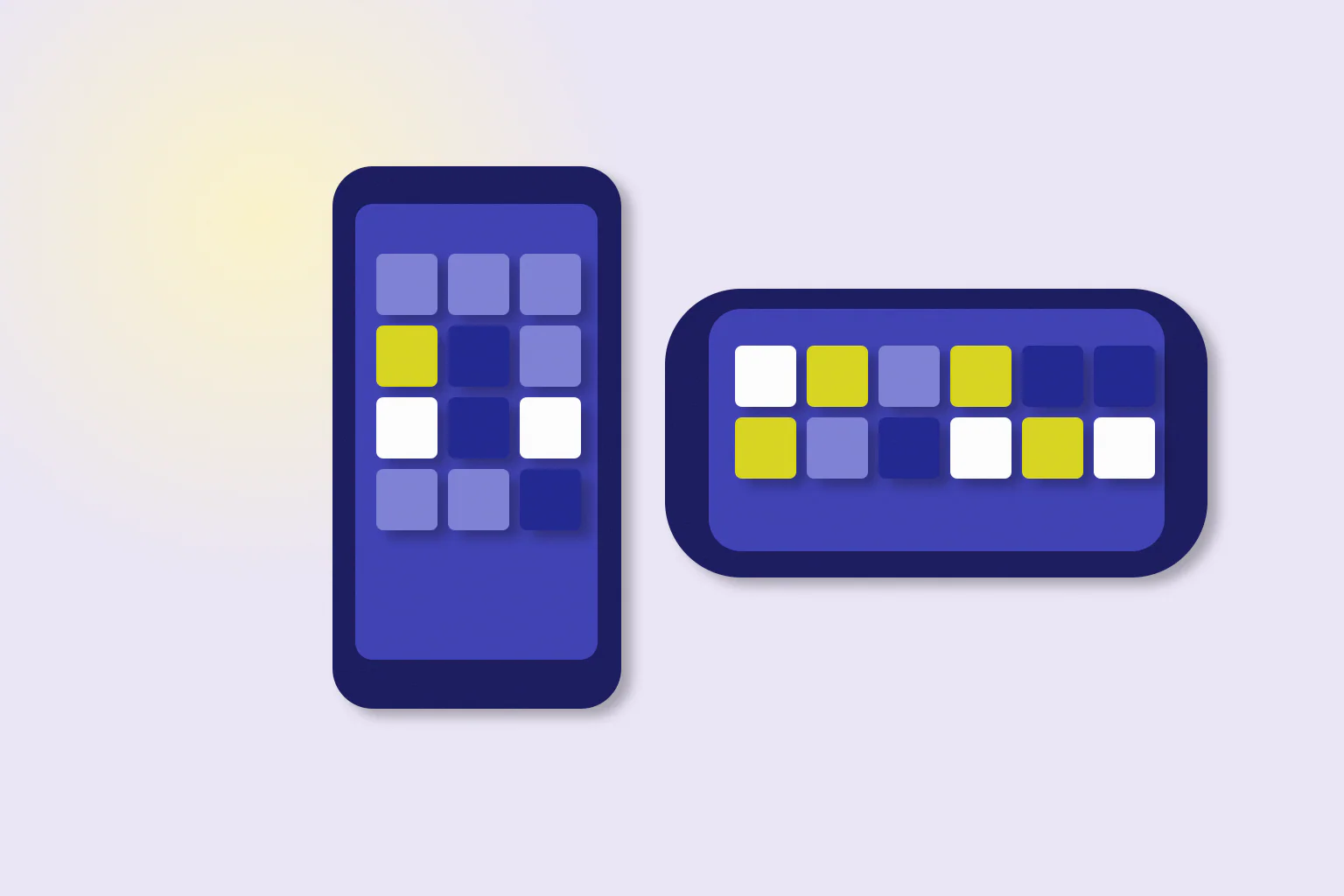
Most slot games built for browsers adapt to the screen they run on. On a phone, that usually means two layouts: one for portrait, with the phone held upright, and one for landscape, with the phone turned sideways. The game's rules are the same in both, but the position of the reels, controls and information screens can change considerably. Knowing what to expect makes it easier to read a game on a small screen.
This guide compares the two orientations in general terms. Layouts differ between studios and even between games, so treat it as a guide to what to look for rather than a description of any particular title. It is part of our mobile gaming section.
Portrait layouts
In portrait orientation, the screen is tall and narrow. Games typically respond in a few ways:
- Reels at the top or centre, sometimes scaled down to fit the width.
- Controls stacked below the reels, with the spin button large and easy to reach with a thumb.
- Secondary controls in a menu, such as the information screen, sound and settings.
- Feature counters above or below the grid, sometimes in smaller text.
Portrait suits one-handed use. The trade-off is that symbols can be smaller and some displays sit behind menus.
Landscape layouts
In landscape orientation, the screen is wide and short, closer to the layout a desktop game was designed for:
- Reels fill the centre and are often larger than in portrait.
- Controls sit to the sides, typically with the spin button on the right.
- More displays are visible at once, so the balance, win display and feature counters are easier to see together.
Landscape usually needs two hands, but it shows more of the game without opening menus.
Comparing the two
| Aspect | Portrait | Landscape |
|---|---|---|
| Reel size | Often smaller | Often larger |
| Spin button | Below the reels | To the side |
| Information screen | Often in a menu | Often visible as a button |
| One-handed use | Easier | Harder |
| Displays visible at once | Fewer | More |
Choosing the easier view
A practical way to choose is to open the information screen in both orientations and see which is easier to read. If the paytable is cramped in portrait, landscape is likely the better view for learning the rules, even if you later switch back. During a bonus feature, landscape often shows the counters more clearly, which helps when following retriggers and multipliers. Our guide to demo controls explains which displays to watch during a feature.
A practical example
Imagine opening a demo in portrait and finding that the feature counter overlaps the top row of symbols. Turning the phone sideways moves the counter beside the reels, so both are readable at once. Nothing about the game changed; only the layout did. Checking both orientations at the start of a session takes seconds and avoids misreading a display later.
Summary and further reading
Portrait layouts favour one-handed use and stack controls below the reels, while landscape layouts show larger reels and more displays at once. The rules are identical in both, so choose the view that makes the paytable and counters easiest to read. For more on small screens, read our guide to reading slot controls on a small screen, and for learning a game safely, see what a free-play mode can and cannot show.
More in Mobile Gaming · Report a correction
Related reading
Reading Slot Controls on a Small Screen
Practical advice for reading slot controls and displays on a phone: finding hidden menus, avoiding accidental taps, checking the stake and reading feature counters when space is tight.